
Latest Version
长江 吴
Entertainment
Mac
Free
1530783362
Report a Problem
More About Mirror Screen to Any Smart TV
A Flexible Wireless Mirroring Solution for Mac Users
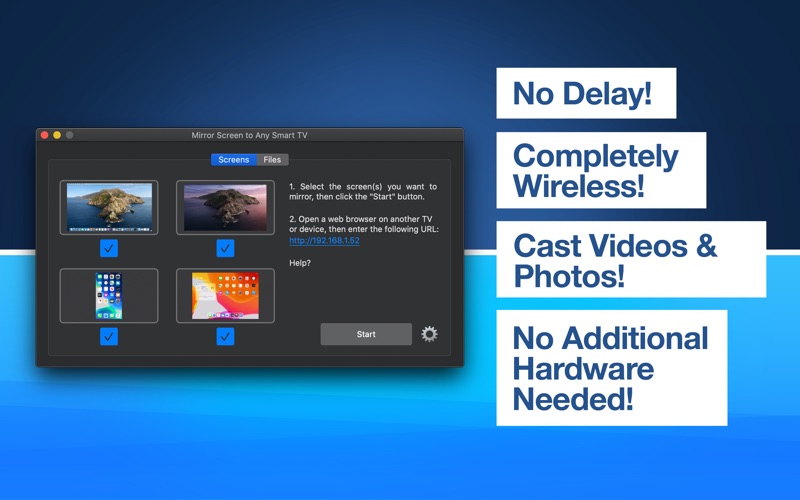
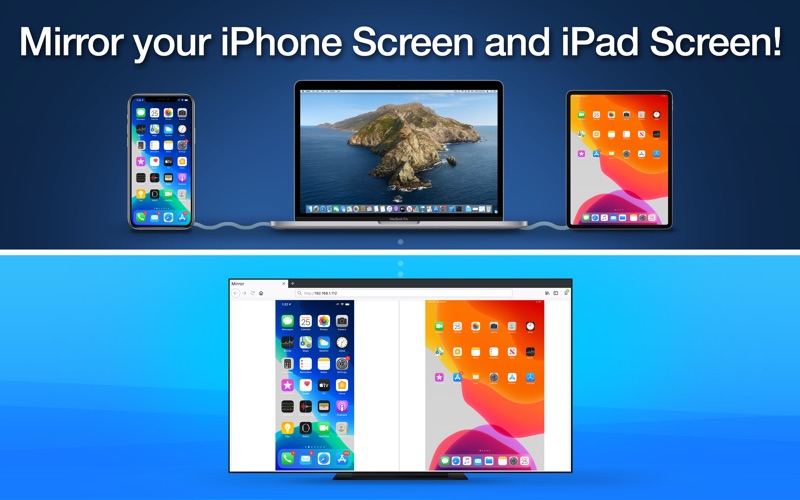
Finding a reliable way to share your desktop display without dealing with proprietary hardware receivers or tangled cables can be a major challenge. Mirror Screen to Any Smart TV screen mirroring software offers an elegant, browser-based solution designed specifically for macOS. Developed by 长江 吴, this utility allows you to broadcast your Mac's primary display, secondary display, or even connected iOS devices directly to any device equipped with a standard web browser on your local network.
Key Features of Mirror Screen to Any Smart TV
This software stands out from traditional streaming tools by utilizing web standards rather than platform-specific protocols like AirPlay or Chromecast. Here is what makes it a powerful addition to your productivity toolkit:
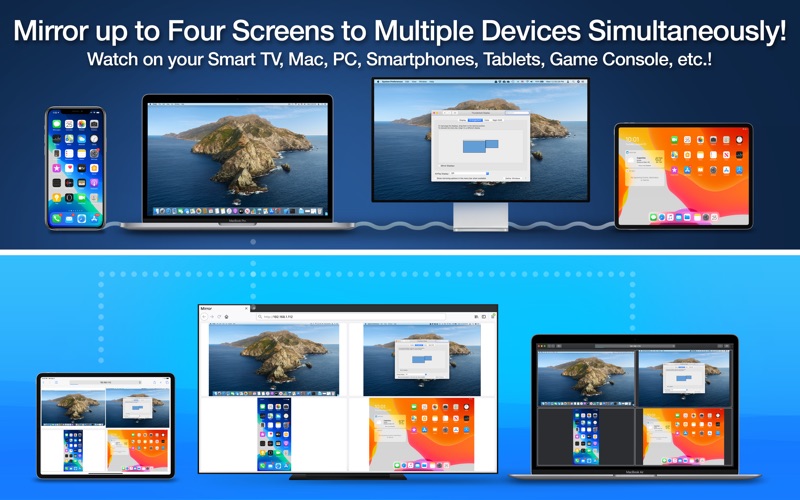
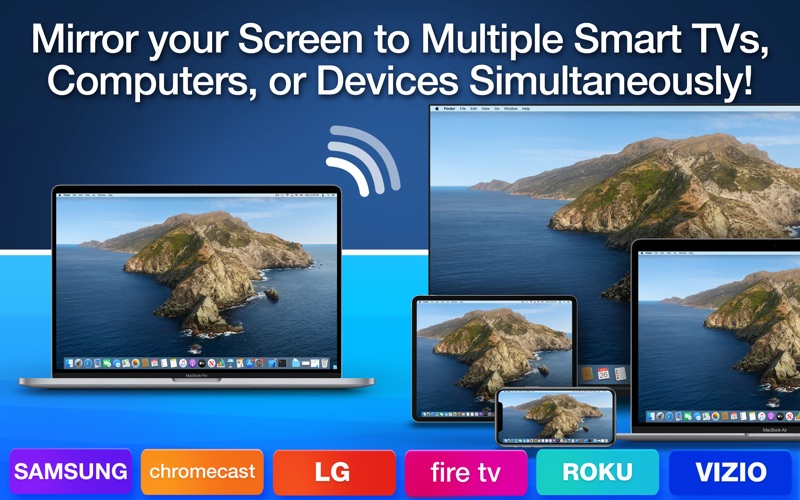
- Simultaneous Multi-Screen Broadcasting: Mirror up to four screens at the same time, including your primary desktop, extended display, iPhone, and iPad.
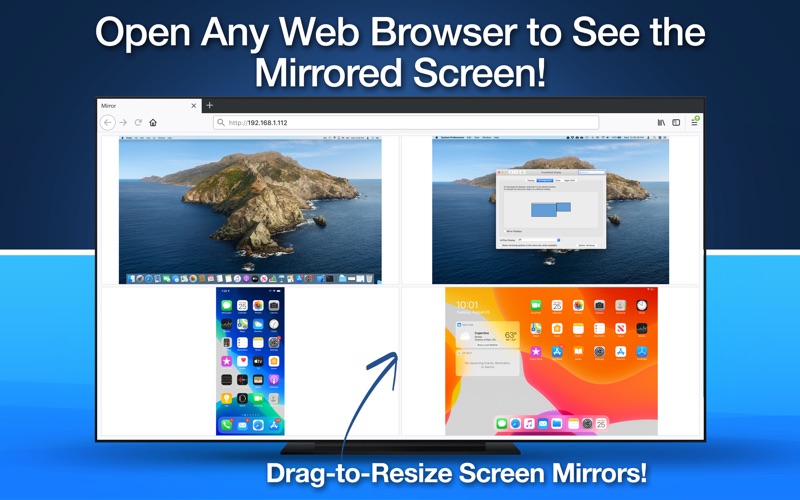
- Zero-Configuration Receiver Setup: The receiving device—whether it is a Samsung TV, LG TV, Sony TV, Windows PC, or mobile device—only needs a modern web browser (such as Safari, Chrome, or Edge) to view the stream.
- Wired iOS Integration: By connecting your iPhone or iPad to your Mac via USB, you can easily stream those mobile screens alongside your macOS desktop.
- Interactive Layout Control: Viewers can drag a divider line directly within their web browser to resize the mirrored screens on demand.
- Zero-Delay Performance: Designed for real-time presentations, the application boasts virtually zero delay for screens, photos, and video casting.
Who Benefits Most From This Mirroring Utility?
This application is highly optimized for collaborative environments. Educators can display their Mac screen and a connected iPad app to an entire classroom of students opening a local URL on their personal tablets. In corporate settings, presenters can share their slides to multiple office computers or smart TVs simultaneously without configuring complex network permissions. It is also excellent for developers who want to showcase live iOS app interactions on a larger screen during team meetings.
Important Technical Considerations
To ensure a smooth experience with Mirror Screen to Any Smart TV screen mirroring, keep the following technical parameters in mind:
- Network Requirements: The app relies on a straightforward local network setup. It does not support complex corporate networks, IPv6, subnets, or Virtual LANs (VLANs).
- Audio Support: This utility is strictly designed for visual casting; audio transmission is not supported.
- macOS Permissions: Users running macOS 15 Sequoia or later will encounter a system prompt requesting permission to bypass the private window picker to facilitate screen capture.
Our Verdict
If you need an uncomplicated, hardware-free method to share multiple screens across diverse platforms, this tool delivers exceptional value. It bypasses the compatibility headaches of traditional casting protocols by turning any web browser into a receiver. To try it out on your Mac, head over to the official Mac App Store to get started.
Rate the App
User Reviews








Popular Apps










Editor's Choice